Blog ›
The best free and paid AI PDF tools in 2026, sorted by what they actually do with your file
Every list of “best AI PDF tools” is written by one of the tools. This one is too, so we have put ourselves in the table with the same columns as everyone else, and we have been specific about the one thing most lists skip: whether your document leaves your computer.
How to read this list
Three questions decide which tool is right: what do you want to do (read and ask, or change the file), does the file have a text layer or is it a scan, and is it something you may upload. The “AI” label is doing a lot of work in 2026; half of what people need from a PDF (merge, rotate, sign, compress, redact) needs no model at all and is better done without one.
For reading, asking and summarising
- Google NotebookLM — free, every answer cited to the passage, works across many files. The best place to start for research and study.
- ChatGPT, Claude, Gemini — general assistants with file upload; the most flexible, strongest on follow-up tasks. Free tiers with limits. See our summariser comparison.
- ChatPDF, AskYourPDF, Humata — quick single-document chat, page citations, free daily caps. Two companies see your file (theirs and the model provider's).
- Adobe Acrobat AI Assistant — citations that jump to the spot in the PDF; paid add-on.
For changing the file
- Smallpdf, iLovePDF, PDF24 online — the big converter sites: merge, split, compress, convert, with free tiers that cap files per day. Everything is uploaded and processed on their servers.
- PDF24 Creator (Windows), macOS Preview — free desktop tools that keep the file local; Preview even has real redaction. Manual, one file at a time.
- PDFgear — free desktop editor with an AI chat bolted on.
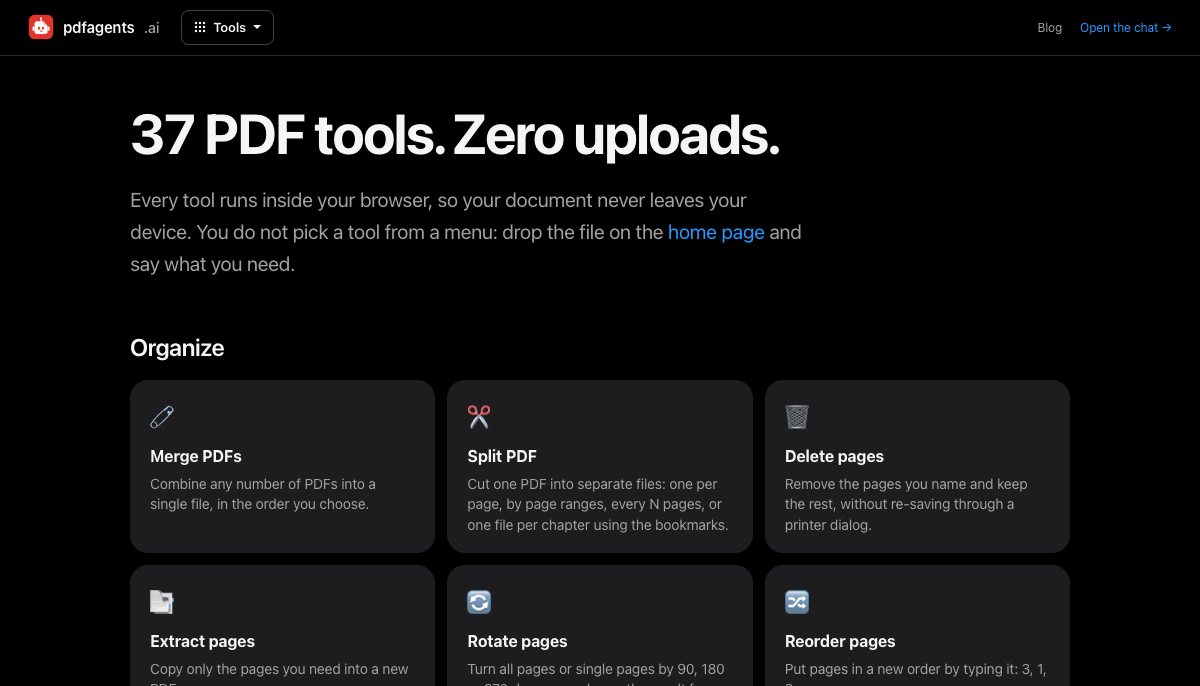
- pdfagents.ai — our own: 37 tools that run inside the browser, chosen by typing what you need rather than from a menu. Redact, merge, split, rotate, compress, sign, password, OCR, PDF to Word/Excel/CSV/images, Word/Excel/HTML to PDF, fill forms, compare versions, find text, read aloud, and more. No account, nothing uploaded, and every download is free.
The comparison
| Tool | Best for | File stays on your device? | Free tier | Scans (OCR) |
|---|---|---|---|---|
| NotebookLM | Research across several PDFs, cited answers | No | Generous | Partial |
| ChatGPT / Claude / Gemini | Questions, summaries, drafting from a PDF | No | Limited size and use | Yes, reads images |
| ChatPDF-style sites | Quick questions on one file | No | Daily caps | Some, paid |
| Smallpdf / iLovePDF | Converting and organising | No | Files per day | Paid |
| macOS Preview / PDF24 desktop | Manual edits, real redaction | Yes | Free | No |
| Acrobat Pro | Everything, every day, with a budget | Yes (desktop) | Trial only | Yes |
| pdfagents.ai | Organising, converting, protecting, redacting, OCR, by typing what you need | Yes: in the browser | Yes: every tool and download is free | Yes, in the browser (EN/DE) |
Where pdfagents.ai is behind
So that this is not an advert: we have no model behind the site yet, so there is no summarising, translating or question answering here. Those live on the vote list, and we would rather you used NotebookLM for them today than wait. The “to PDF” converters keep text, headings, lists and tables but not images or exact fonts. Text recognition handles English and German. And it is one file at a time; nothing is batched.
A rule of thumb
If you need to understand a document, use a model and accept the upload, after redacting what you must. If you need to change a document, you almost never need a model, and a tool that keeps the file on your device is the safer default. Most of the “AI PDF tools” lists blur that line because the word AI sells; your bank statement does not care about the marketing.
Questions people ask
Which free AI PDF tool is best?
For reading and asking questions across documents, Google NotebookLM: free, and every answer is cited. For changing files (merge, compress, redact, convert, sign), a tool that runs on your device is the better default; pdfagents.ai does 37 of those in the browser, without an upload, and downloads are free.
Do PDF tools upload my file?
The online converters and every AI chat do; that is how they work. Desktop tools (Preview, PDF24 Creator, Acrobat) and browser-side tools like pdfagents.ai keep the file on your device. Check the privacy policy for a deletion time, and don't upload what you're not allowed to share.
Can AI tools edit a PDF?
They can describe changes and some can apply simple ones, but editing, organising and protecting a PDF is done more reliably by ordinary tools. Use AI for understanding and writing; use a converter or editor for the file itself.
37 tools, one chat, nothing uploaded
Drop a PDF on the home page and type what you need: “merge these”, “sign the last page”, “make it searchable”, “mask the names”. Downloads are free.
Open pdfagents.ai →